> For the complete documentation index, see [llms.txt](https://docs.3scloud.io/llms.txt). Markdown versions of documentation pages are available by appending `.md` to page URLs; this page is available as [Markdown](https://docs.3scloud.io/3s-cloud-workstation/tutorial/start-creating.md).
# Start Creating
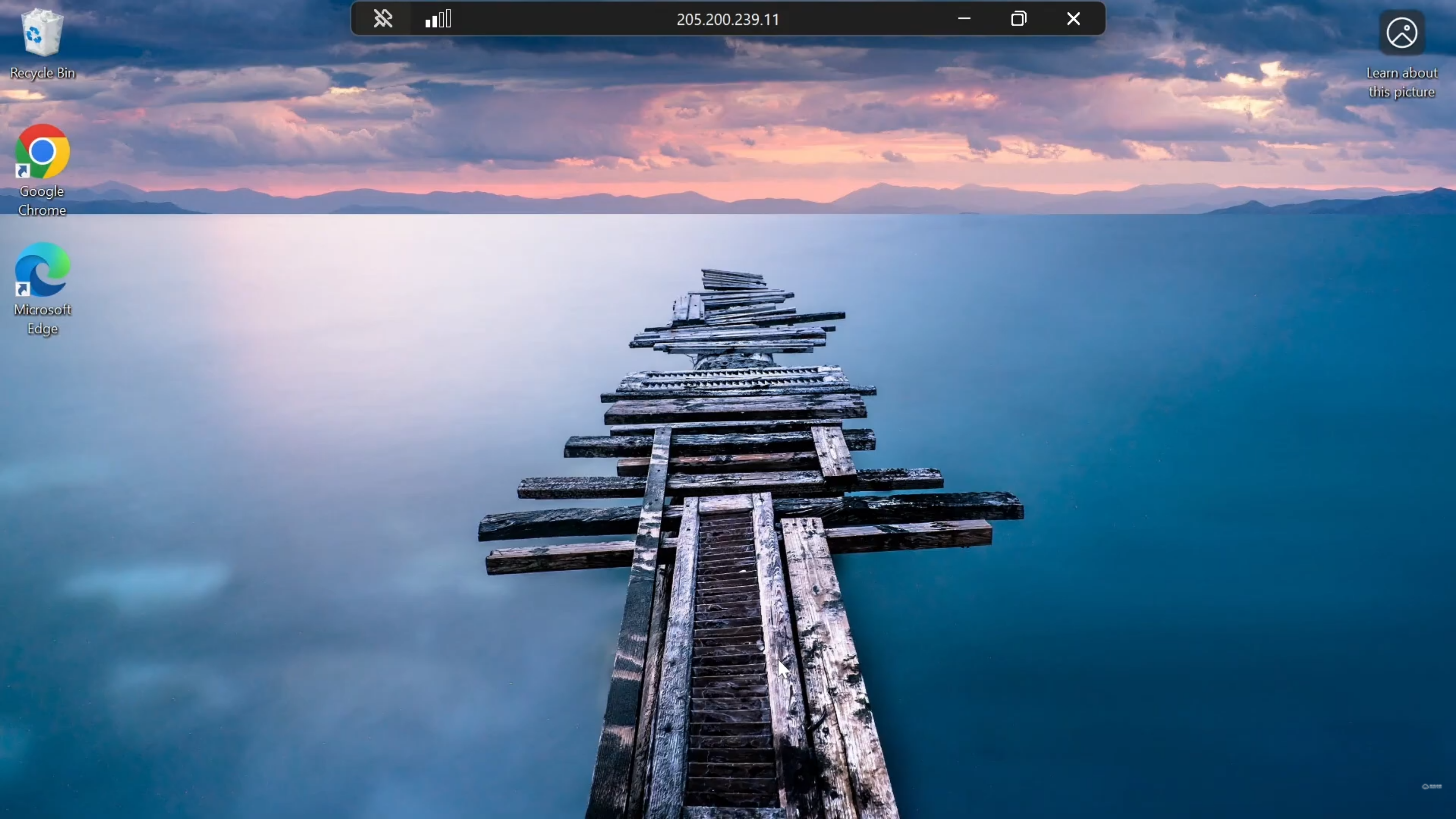
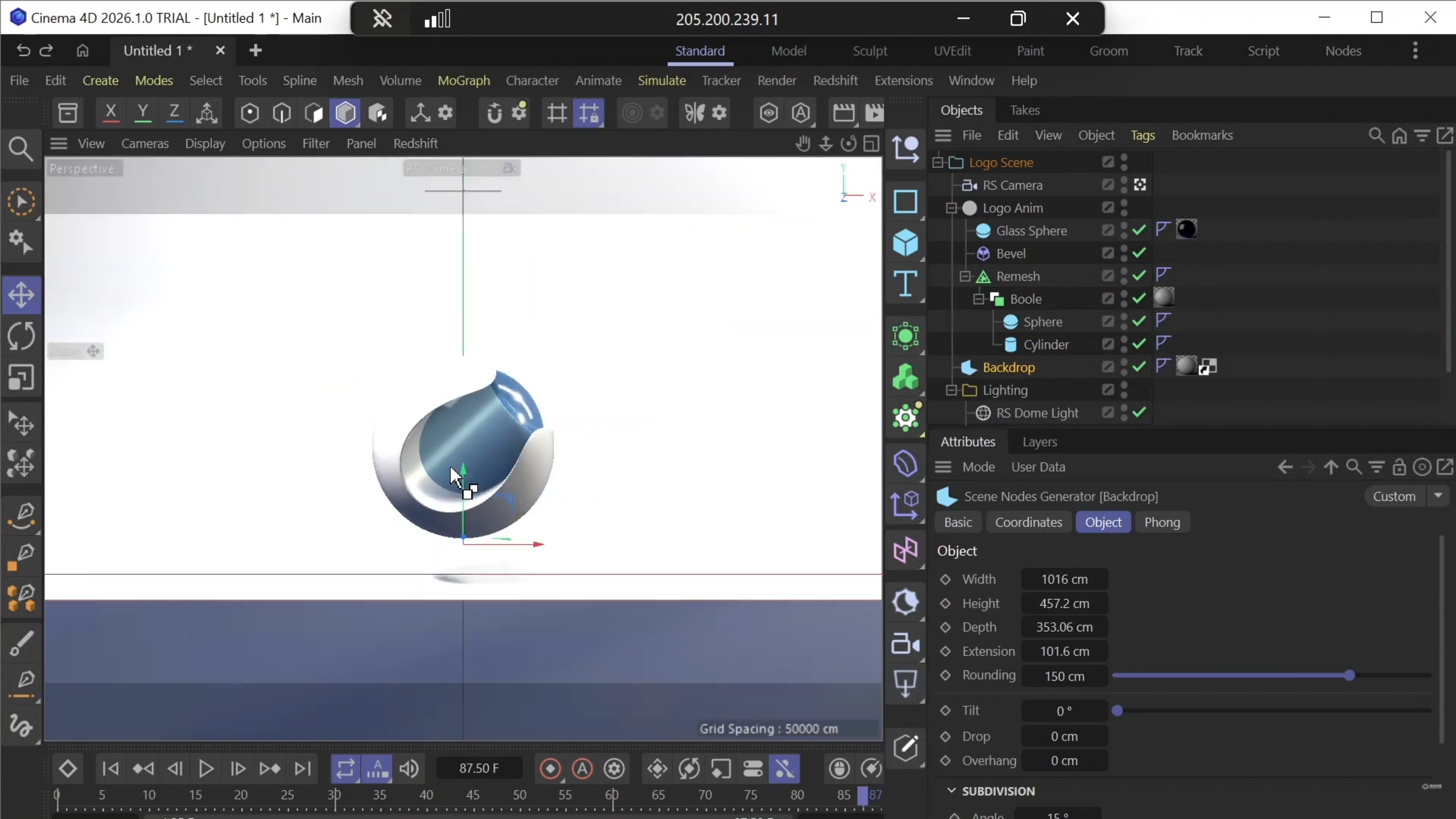
Upon a successful connection, you are immediately inside your remote workstation. You have full administrative access, just like on your local computer.
* **Install Software:** Feel free to download and install any 3D software, plugins, or tools required for your specific workflow.
* **File Transfer:** Transfer your project files, assets, and textures to the machine.
* **Execute Jobs:** Run your heavy rendering tasks, simulations, or design work utilizing the high-end GPU power.